Ostia Studio@ostiastudio · 2h
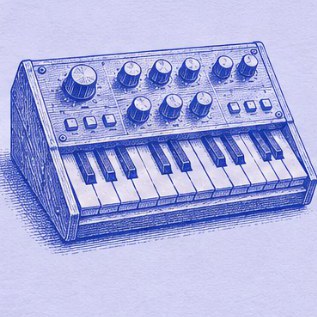
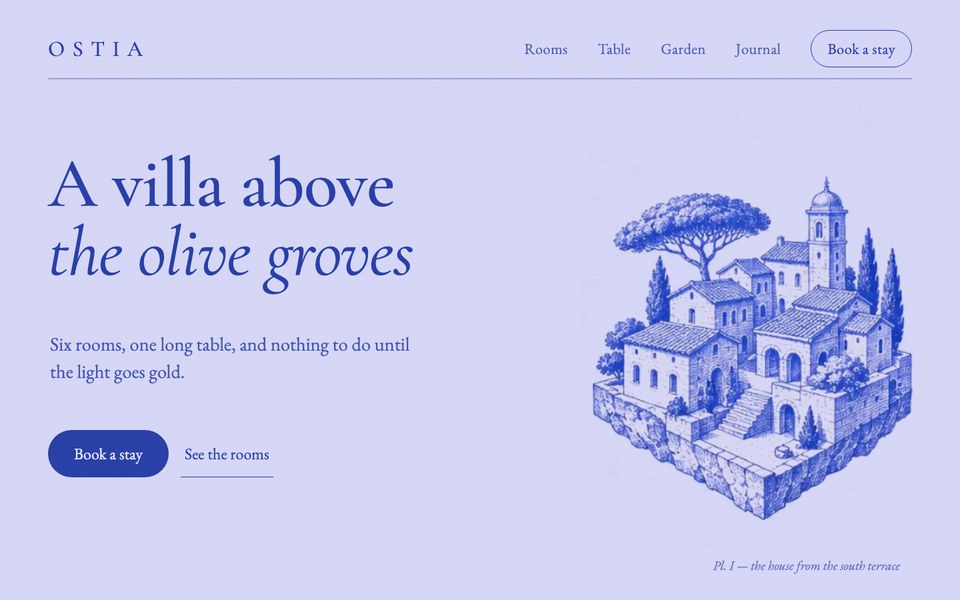
Hero sections can be art too
41
196
3.4K
Save what you love on X and across the web, say why you liked it, and Claude designs with your taste instead of generic defaults.
 Claude Code
Claude Desktop
 Cursor
 Windsurf
Any MCP app
Bookmark a post the way you always do. A card opens in the corner and asks one thing: why did you like it? That one sentence is what Claude learns from.
Fornax guesses where it goes: where you saved this author before, or what the post is about. ⌥1 ⌥2 ⌥3 switch between its top three guesses without leaving the field.
Right-click an image or a video and choose Add to taste, or press ⌥⇧S to save the whole page as a screenshot.
Claude can't watch video, so every clip also becomes 6, 12 or 24 stills and a contact sheet. That's how it sees motion, pacing and framing.
Keep one taste or fifty, name them what you like and move saves between them. Search finds anything from one word, in plain words and in your own language.
Ask for a hero “like the LanderLab one” and Claude reads that save, your note and its stills, then takes the style, not the picture. This page was made the same way. Claude Desktop, Cursor and Windsurf connect over MCP.
Make an account, add the extension, and your library is ready on any computer. Nothing to install, nothing to pay.
Works in Chrome on any computer. Your saves stay private to your account.